
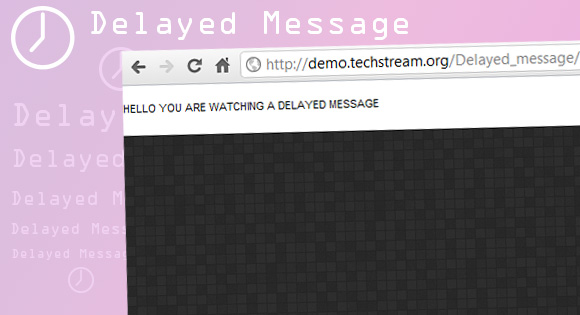
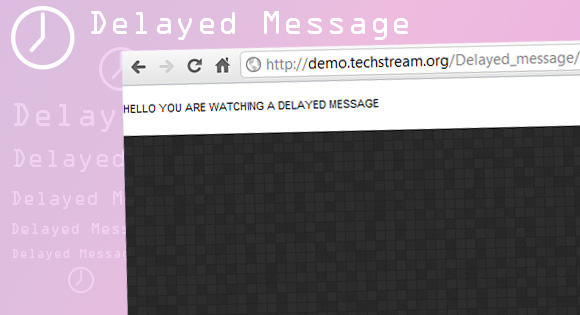
Delayed message with CSS3
This works only with browsers that support -webkit- .
If you need to announce a new product or any new messages to visitors or to get their attention, this is the perfect solution.
This appears as a new element after the page has been loaded at the top (customize-able, this will get the user attention more efficiently and this is not a pop-up, so it won’t get blocked by browsers and other programs.
This does not use any JavaScript or JQuery it is just simple CSS3 with -webkit- which is supported by chrome and -moz- for mozilla Currently this works only with firefox ,chrome and safari only.
If IE 10 supports any of these then it will work in it too.
The Mark Up
The CSS
The style for the delayed message box
.slide-left{
	line-height: 24px;
	font-size: 11px;
	background: rgba(255, 255, 255, 1);
	text-transform: uppercase;
	position: fixed;
	top: 0px;
	left: 0px;
	width: 100px;
	height:100%;
	box-shadow: 1px 0px 2px rgba(0,0,0,0.2);
	-webkit-animation: slideOut 0.5s ease-in-out 0.3s backwards;
	-moz-animation: slideOut 0.5s ease-in-out 0.3s backwards;
	-o-animation: slideOut 0.5s ease-in-out 0.3s backwards;
	-ms-animation: slideOut 0.5s ease-in-out 0.3s backwards;
}
For animation
@-webkit-keyframes slideOut{
	0%{left:-30px; opacity: 0;}
	100%{left:0px; opacity: 1;}
}
@-moz-keyframes slideOut{
	0%{left:-30px; opacity: 0;}
	100%{left:0px; opacity: 1;}
}
@-o-keyframes slideOut{
	0%{left:-30px; opacity: 0;}
	100%{left:0px; opacity: 1;}
}
@-ms-keyframes slideOut{
	0%{left:-30px; opacity: 0;}
	100%{left:0px; opacity: 1;}
}
@keyframes slideOut{
	0%{left:-30px; opacity: 0;}
	100%{left:0px; opacity: 1;}
}